Openers · Toronto
Smart Garage Controller Setup
Your daughter gets home from school an hour before anyone else.
In plain words
The account is the part of the install that lives longest, so it is set up in your hands rather than the technician's. You choose the email and password, you pick the recovery method, and you type them yourself while the technician guides you through the screens. Once the hub is on your network you name the door, decide which alerts you want, and invite the people in your household as users under your control. If the house came with a controller tied to a seller's account, it is reset and claimed fresh. The technician leaves with no login to your system, and you leave holding every key.
How the visit goesOne remote lives in a car you sold last spring. The other needs three presses from the driveway and its battery cover is taped on. Your phone is already in your hand when you pull in, and it would make a better opener.
Smart Garage Controller Setup
How the visit goes
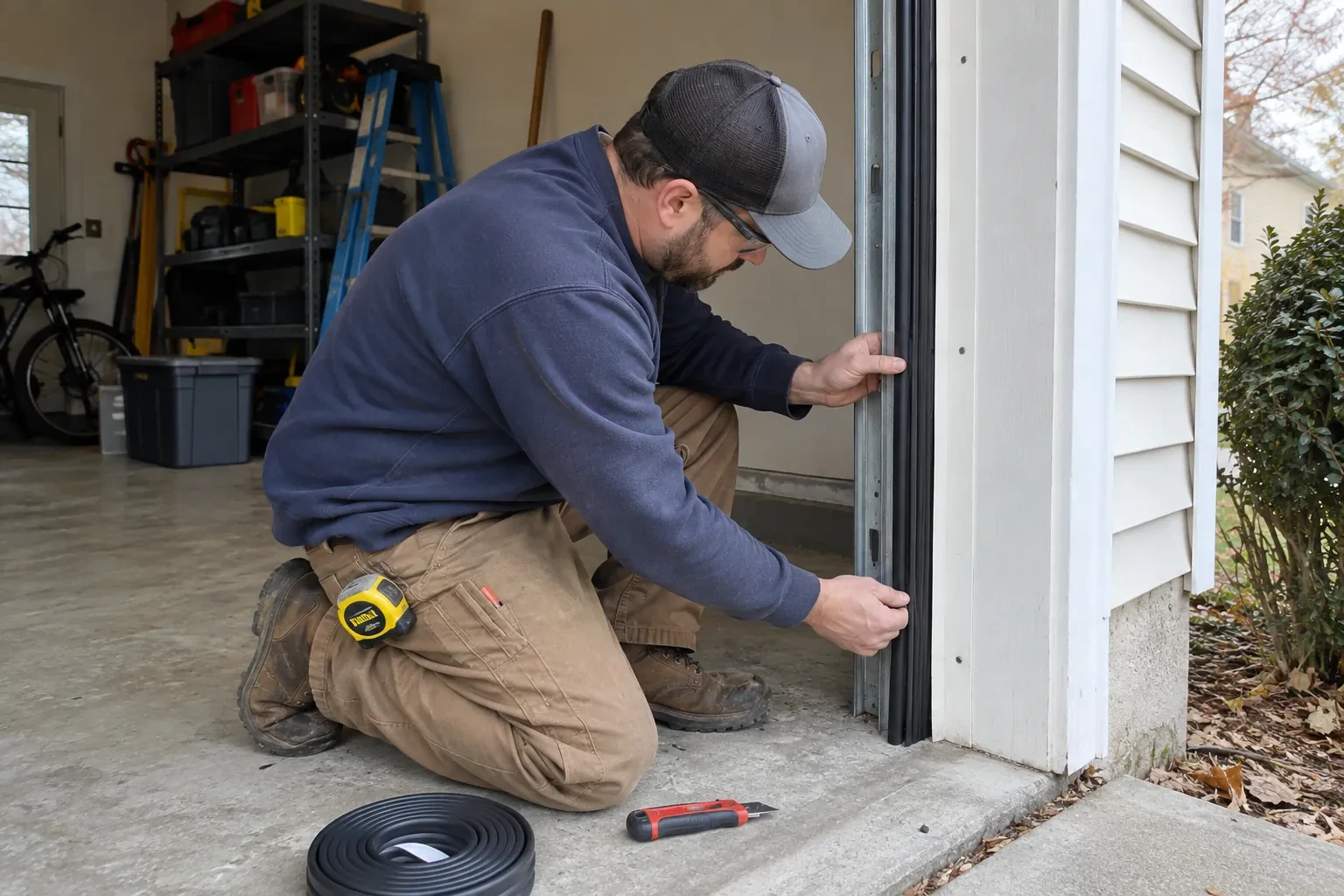
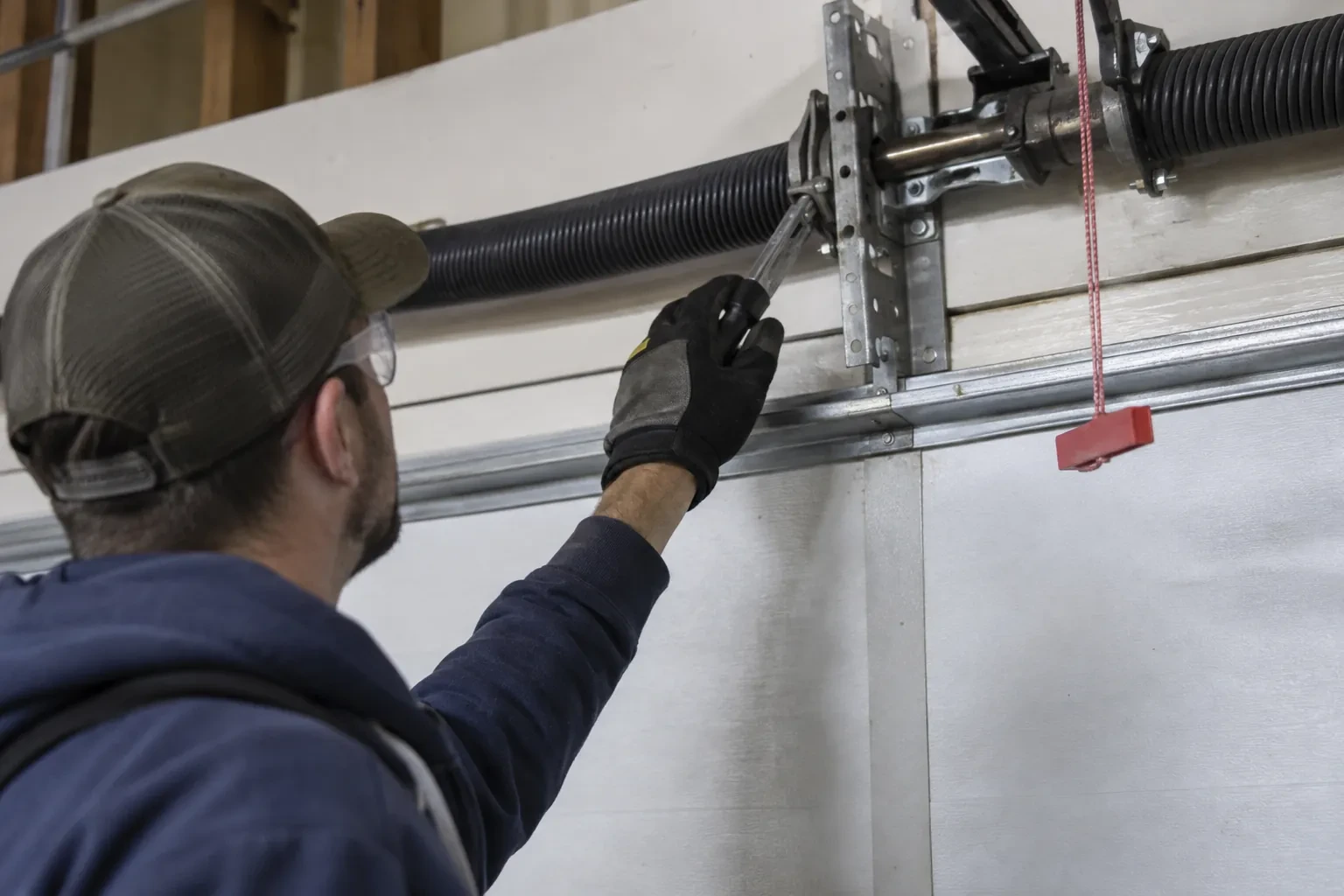
Photo eyes, present and working
Remote closing is the feature most people want, and it rests on the pair of small sensors near the floor on each side of the door. Before any controller is fitted the technician confirms both eyes are present, mounted no higher than about fifteen centimetres, aligned so their indicators glow steady, and wired without breaks back to the head unit. A controller built to the operator standard will not offer an out-of-sight close without a working sensor circuit, so any missing, misaligned or failed pair is corrected as part of getting ready. This is also where sun glare, cobwebs, frost and a shovel leaning against a bracket are noticed and dealt with.
Pre-motion warning and the safety tests
Before handover the technician steps outside, out of sight of the door, and sends a close command from the app. The hub's beeper sounds and its light flashes for several seconds before the door moves, exactly as the operator standard requires for a command from someone who cannot see the doorway. Then the door is closed onto a length of 2x4 laid flat on the floor and must reverse on contact, and while closing again the photo-eye beam is broken and the door must stop and rise. Every existing control is tried too: wall console, each remote, the outside keypad. A door that passes all of this is ready to hand over.
Ready for the cold months
An installation done for this climate leaves you set for winter. The sensor is screwed rather than stuck on, its cell is a type built to withstand the cold, and the left-open alert is set so a door left up on a freezing night reaches your phone before the garage has lost its heat. Keep snow and ice cleared from the threshold and the photo-eye lenses, since a blocked beam pauses remote closing until it is cleared, and expect the door to be a shade slower on the coldest mornings. If the app reports the door open when it is plainly shut after a hard frost, the sensor mount is the first thing to check.
Smart Garage Controller Setup
In the van
Retrofit smart hub
Plug-in power adapter
Replacement photo-eye pair
Dry-contact adapter for encrypted openers
Wi-Fi access point or extender
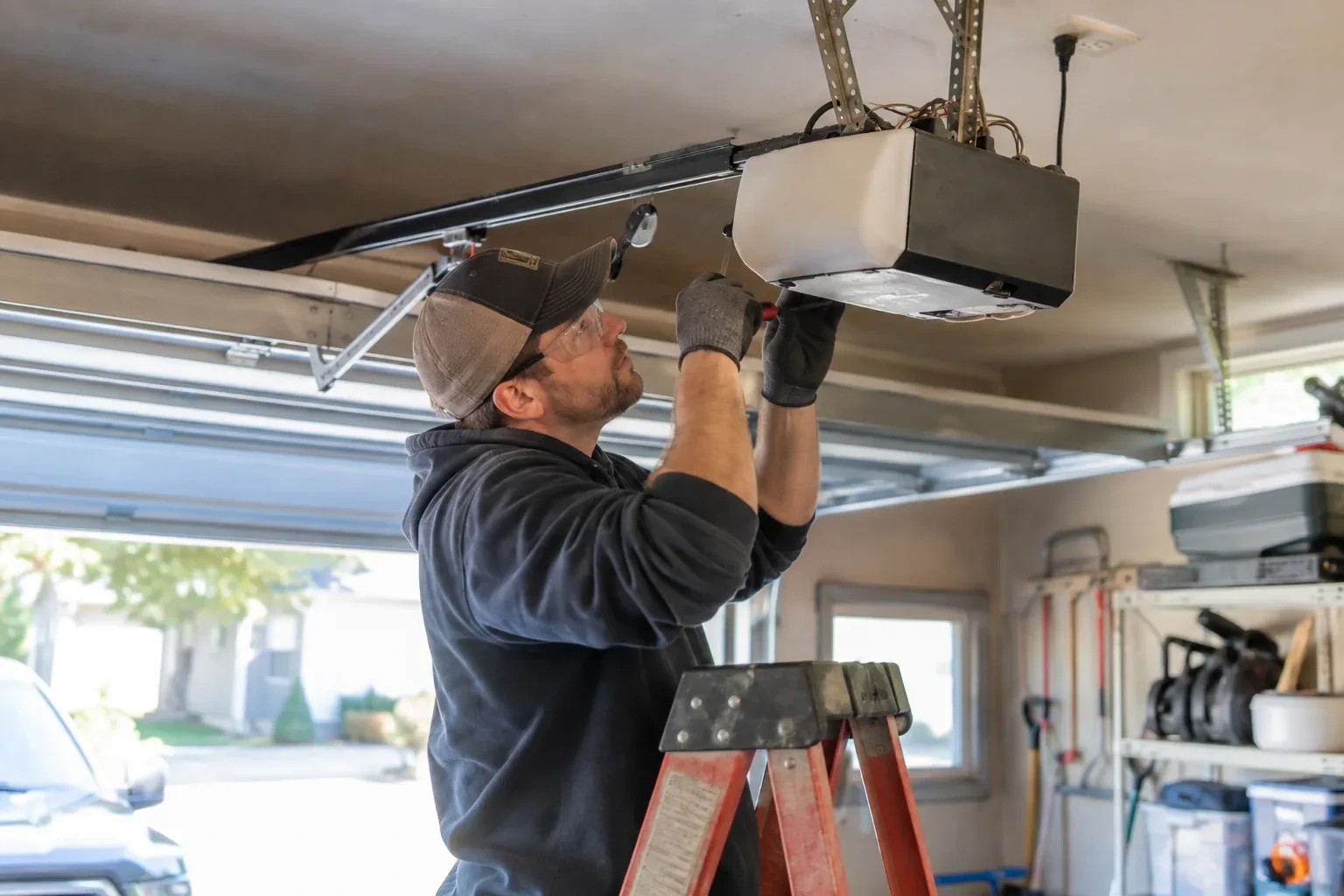
Smart Garage Controller Setup
What affects the quote
Power for the hub
The hub plugs into the opener's ceiling receptacle. If there is no spare socket, an approved splitter or a receptacle added by an electrical contractor becomes part of the plan.
Number of doors
A second door means a second sensor, a second round of pairing and testing and sometimes a second hub, and each door is quoted as its own line.
Cellular backup if the home Wi-Fi goes down
A hub that only works over Wi-Fi stops reporting the moment the internet drops, which matters most during a storm. A cellular backup module keeps alerts and remote closing working through an outage, and whether one is added is decided once the household's connectivity is reviewed.
What to have ready
- Is there an existing controller on the ceiling from a previous owner?
- Does your wall console have a digital display or just a button?
- How strong is your phone's Wi-Fi signal when you stand under the opener?
Smart Garage Controller Setup: questions
QuestionsWhat batteries does the sensor take, and how long do they last in a cold garage?
Most sensors take a coin cell or a pair of small cylindrical cells, specified by the maker. In a heated garage a battery commonly lasts a year or two; in an unheated one, expect less, and choose a lithium cell over alkaline because it holds its voltage in the cold. The app warns you as the battery runs down, and replacing it takes a moment and a fresh cell.
Do you need my Wi-Fi password?
No. The technician will ask you to type it into the app yourself at the right moment and will look away while you do. The same goes for the account password and any verification code. The technician needs to see that the hub has joined and that commands work, not the credentials that made it happen. If you do not know your network password, find it before the visit; it is often printed on the router.
Will a smart controller work with my older opener?
Often, yes. Retrofit hubs were designed for exactly this: an opener from the previous decade or two that works perfectly well but has no radio of its own. The deciding factors are the model, the year, the type of learn button and whether photo eyes are fitted. The technician checks your exact opener against the controller maker's current supported list before anything is bought or mounted, so the answer is known rather than hoped for.